

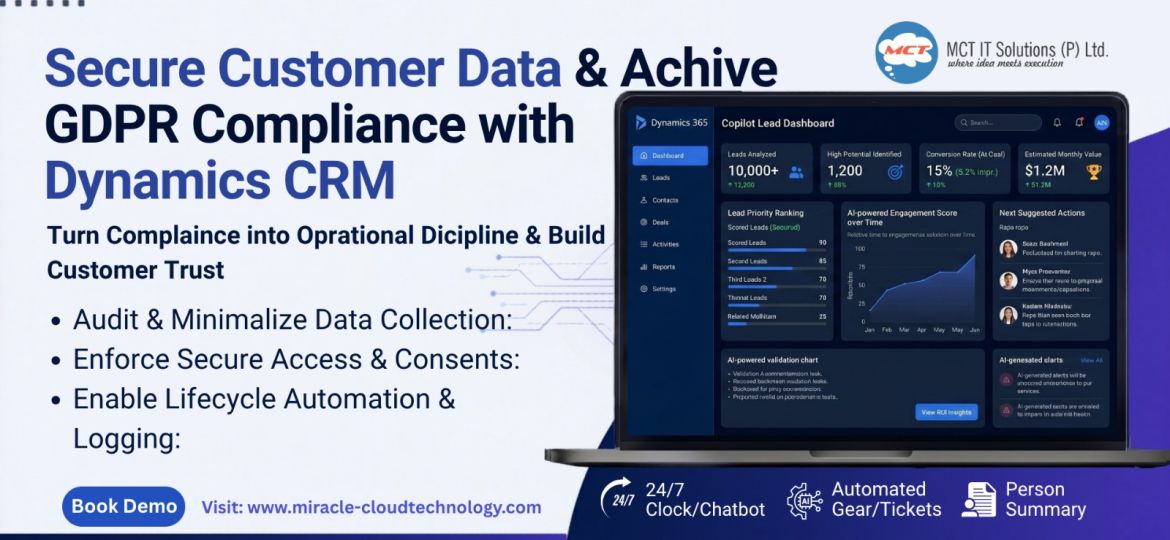
Here’s the uncomfortable truth: most CRM systems store more personal data than businesses actually need.
And that’s exactly where GDPR compliance starts becoming risky.
If you’re using Microsoft Dynamics CRM to manage leads, customers, and service records, GDPR isn’t just a legal checkbox-it’s a trust strategy. One missing consent field, one forgotten deletion request, or one exposed customer record can create compliance issues fast.
I’ve seen many businesses assume that buying Dynamics 365 automatically makes them GDPR-ready. It doesn’t. The platform gives you the tools-but how you configure and use them is what matters.
This blog is for CRM admins, compliance teams, and business owners who want practical steps to make Dynamics CRM GDPR-compliant without overcomplicating their processes.
Why GDPR Compliance in Dynamics CRM Matters
Dynamics CRM stores everything-emails, phone numbers, addresses, support history, even behavioral data.
That’s powerful. But under GDPR, every piece of personal data needs a purpose, protection, and lifecycle.
The risk isn’t just fines. It’s customer trust. If a customer asks, “What data do you have on me?” and your CRM team can’t answer quickly, that’s a problem.
In my opinion, compliance isn’t about avoiding penalties. It’s about building operational discipline.
Step 1: Audit What Data You’re Collecting
Before changing anything, start with a CRM data audit.
Ask yourself:
- What personal fields exist in your entities?
- Why are they being collected?
- Who has access?
In Dynamics CRM, review entities like Leads, Contacts, Accounts, and Cases.
A simple example:
If your lead form captures Date of Birth but your sales process doesn’t need it-remove it.
Less data = lower compliance risk.
Step 2: Track Consent Properly
Consent management is where most businesses fail.
Create custom fields inside Dynamics CRM like:
- Marketing Consent
- Consent Date
- Consent Source
This makes it easy to prove compliance later.
For example:
If someone signs up through a web form, store their opt-in timestamp automatically using Power Automate.
That audit trail matters.
A good reference for consent best practices can be found on Microsoft Learn.
Step 3: Use Role-Based Security
Not every employee should see every customer detail.
Dynamics CRM’s security roles allow you to control access at:
- User level
- Business unit level
- Organization level
I always recommend limiting access to sensitive fields like personal IDs, tax numbers, or private case notes.
Think of it this way:
If your intern can access VIP customer complaints, your security model is broken.
Step 4: Enable Data Retention Policies
GDPR says don’t keep data forever.
This is where Dynamics CRM workflows and Power Automate become useful.
Set rules like:
- Delete inactive leads after 12 months
- Archive closed cases after 24 months
- Notify admins before deletion
This keeps your database cleaner and compliant.
A CRM full of outdated records is both a performance issue and a compliance risk.
Step 5: Make Data Requests Easy
Customers have the right to:
- Access their data
- Correct their data
- Delete their data
Your CRM should support this without manual chaos.
Use Advanced Find or custom dashboards to quickly locate all records tied to one contact.
My suggestion:
Create a “GDPR Request Dashboard” in Dynamics CRM. It saves hours when requests come in.
Step 6: Log Every Change
Auditing is your best defense.
Enable auditing for critical fields like:
- Phone
- Consent
- Address
- Ownership changes
If regulators ever ask who changed what and when, Dynamics CRM audit history becomes your proof.
This is one feature many companies ignore-until they need it.
Conclusion
GDPR compliance with Dynamics CRM isn’t about adding complexity-it’s about using the platform smarter.
Audit less, collect less, secure more, and automate wherever possible. That’s the formula I recommend.
Dynamics 365 gives you powerful compliance tools, but your setup decides whether you’re protected or exposed.
So here’s the real question:
Is your CRM helping you stay compliant-or quietly increasing your risk?