

Introduction
Most businesses think they know their customers but their customer data is often scattered across emails, CRM records, WhatsApp chats, LinkedIn messages, and social interactions.
The result? Incomplete customer insights, slower responses, and missed opportunities.
A unified customer view is no longer a luxury; it’s a necessity for sales, service, and marketing teams that want to deliver exceptional customer experiences. In my experience, one of the biggest challenges for organizations using Dynamics 365 On-Premise is bringing social conversations into the CRM ecosystem without compromising security or control.
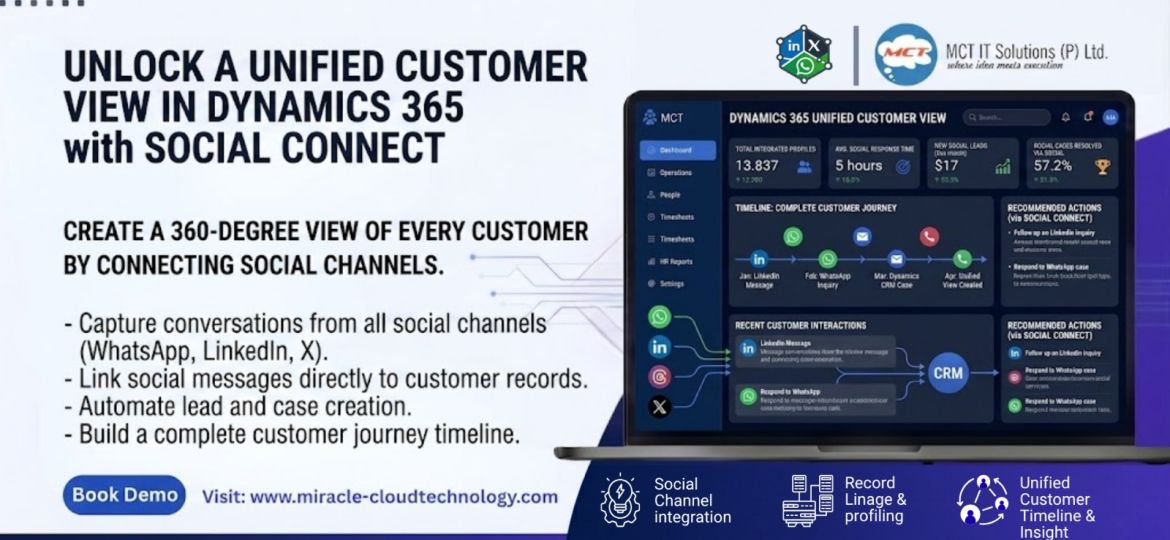
This is where SocialConnect helps. By integrating social channels directly into Dynamics 365, organizations can create a complete picture of every customer interaction and make smarter business decisions.
Why a Unified Customer View Matters
When customer information is spread across multiple platforms, teams work with fragmented data.
Sales teams may not know about recent support conversations. Service agents may be unaware of LinkedIn inquiries. Marketing teams may miss valuable engagement history.
A unified customer view eliminates these silos and ensures every interaction is available in one place.
Step 1: Bring Social Conversations into CRM
The first step is centralizing communication channels.
With SocialConnect, conversations from platforms such as WhatsApp, LinkedIn, and X can be captured directly inside Dynamics 365.
This creates a single source of truth instead of forcing users to switch between multiple applications.
Step 2: Connect Conversations to Customer Records
Capturing messages is only half the job.
The real value comes when conversations are automatically linked to Contacts, Accounts, Leads, or Cases inside CRM.
This ensures every team member can instantly view the complete customer history before engaging.
Step 3: Automate Lead and Case Creation
One of the simplest ways to improve visibility is through automation.
Configure SocialConnect to automatically create:
- Leads from sales inquiries
- Cases from support requests
- Activities from customer interactions
This reduces manual effort while ensuring important conversations never fall through the cracks.
Step 4: Build a Complete Customer Timeline
A unified view should tell the customer’s story.
Every message, reply, inquiry, and interaction should be available in a single timeline.
For example, a sales representative can see that a prospect first engaged through LinkedIn, later requested information on WhatsApp, and recently contacted support – all without leaving CRM.
Practical Tips for Better Results
Standardize Communication Processes
Make Dynamics 365 the primary workspace for customer engagement instead of managing conversations separately on social platforms.
Use Intelligent Routing
Automatically direct conversations to the right sales or support team to improve response times.
Track the Right Metrics
Monitor:
- Response times
- Lead conversion rates
- Customer satisfaction
- Case resolution performance
These metrics provide a clear picture of how effectively your teams are engaging customers.
Start Small and Scale
Begin with one social channel, optimize the process, and then expand to additional platforms.
My Perspective
Many organizations invest heavily in CRM systems but still struggle with customer visibility because social interactions remain disconnected.
In my opinion, achieving a true 360-degree customer view is less about collecting more data and more about connecting existing data intelligently. When social conversations become part of the CRM journey, teams gain context, improve collaboration, and deliver a better customer experience.
Conclusion
A unified customer view helps organizations eliminate information silos, improve collaboration, and make better decisions. By bringing social conversations directly into Dynamics 365, Social Connect enables teams to see the complete customer journey from a single location.